Colorize Photo — Free AI Photo Colorizer Online
Colorize any black and white picture in seconds. Upload your image and our AI photo colorizer adds natural, believable color — free to try, no subscription.
Upload Your Photo
Drag and drop or click to browse (max 10 photos)
JPG, PNG, WebP • Max 15MB
Automatically filters inappropriate content
How to Colorize Photos in 3 Simple Steps
Upload the image you want to colorize and let the free photo colorizer do the rest — no manual masking or color picking.
Upload Your Photo
Drag and drop or select the picture you want to colorize. JPG, PNG, and WebP all work.
AI Adds the Color
Our photo colorizer reads faces, clothing, and backgrounds, then predicts natural color for every region.
Download & Share
Get your colorized photo in high resolution, ready to download and share with family and friends.
Whether you want to colorize photos from a family album, colorize image files you found online, or colorize my photo requests from relatives, the workflow is the same: upload, let the AI photo colorizer predict natural color, and download.
The built-in black and white to color converter keeps original detail and contrast, so portraits gain believable skin tones while streets, clothing, and landscapes pick up matching hues.
Before / After
Turn Black and White Photos to Color
A good photo colorizer keeps the original mood while adding believable color: natural skin, clean street detail, and balanced background contrast.
Want more proof before spending credits? Browse the full before-and-after examples page.
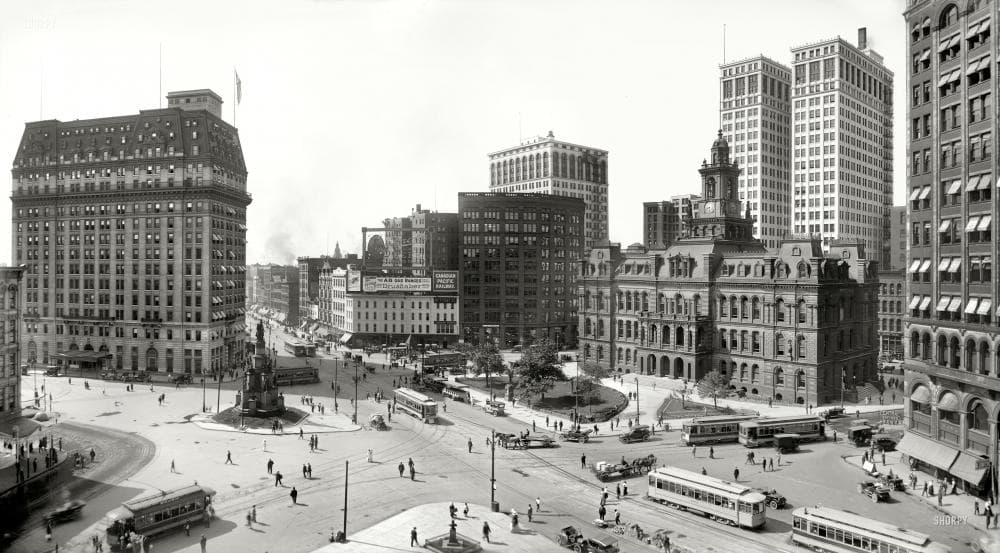
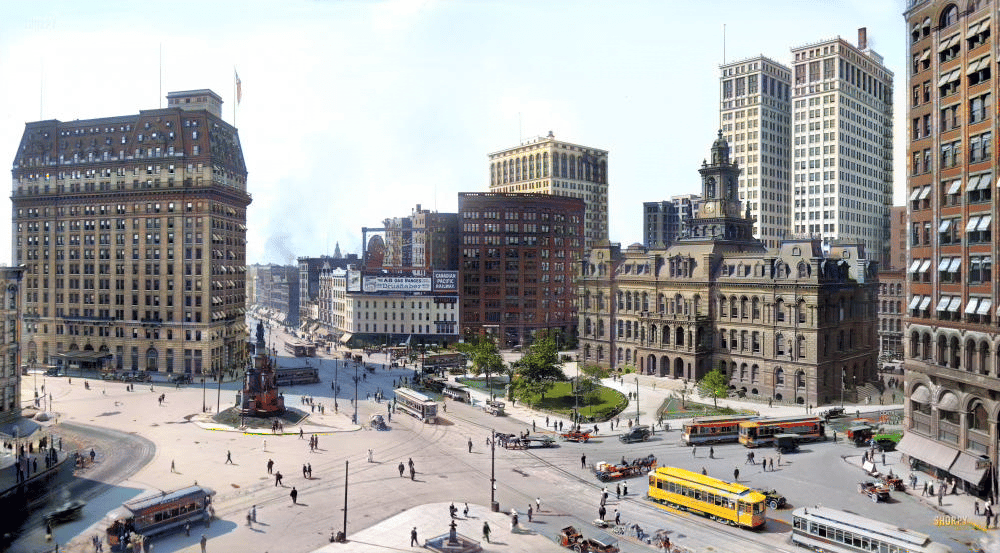
Photo Colorizer FAQs
Common questions about how to colorize photos with AI.
How do I colorize my photo?
What does the AI photo colorizer do best?
Can I colorize photos and keep the result private?
How many credits does it take to colorize a photo?
Can it turn black and white photos to color naturally?
Related Tools
Keep working on your pictures with these matching tools.

Colorize Your First Photo Today
Get 2 free credits when you sign up — no credit card required. Upload a black and white photo and see natural color in about 30 seconds.